Types of Web Hosting Explained: Which One Should Your Small Business Buy?
Shared, VPS, cloud or managed WordPress? Learn the different types of web hosting and which one a small business or beginner should buy.

On this page
You've picked a business name and maybe even bought the domain. Then you land on a hosting checkout page: shared, VPS, cloud, managed WordPress, each with three tiers and a countdown timer. Which one do you actually need?
This guide explains the different types of web hosting in plain English, and tells you which one a small business or beginner should buy.
Most new small business websites should start on shared hosting or managed WordPress hosting. Both are affordable, beginner-friendly and include the basics.
Move to cloud or VPS hosting only when traffic grows, you launch an online store, or your site starts to slow down.
What Is Web Hosting? The Basics in Two Minutes
What hosting actually does
Think of your website like a shop. Hosting is the rent you pay for the space where it lives: a server that stores your files and shows them to visitors around the clock. No hosting, no website.
Hosting vs domain name
Your domain (yourbusiness.com) is your address. Hosting is the building. You need both, and you can buy them from different companies.
What every plan should include
Whatever type you choose, look for these four basics:
Non-negotiables
- Free SSL (the padlock in the browser)
- Automatic backups
- At least 99.9% uptime
- Support you can actually reach when something breaks
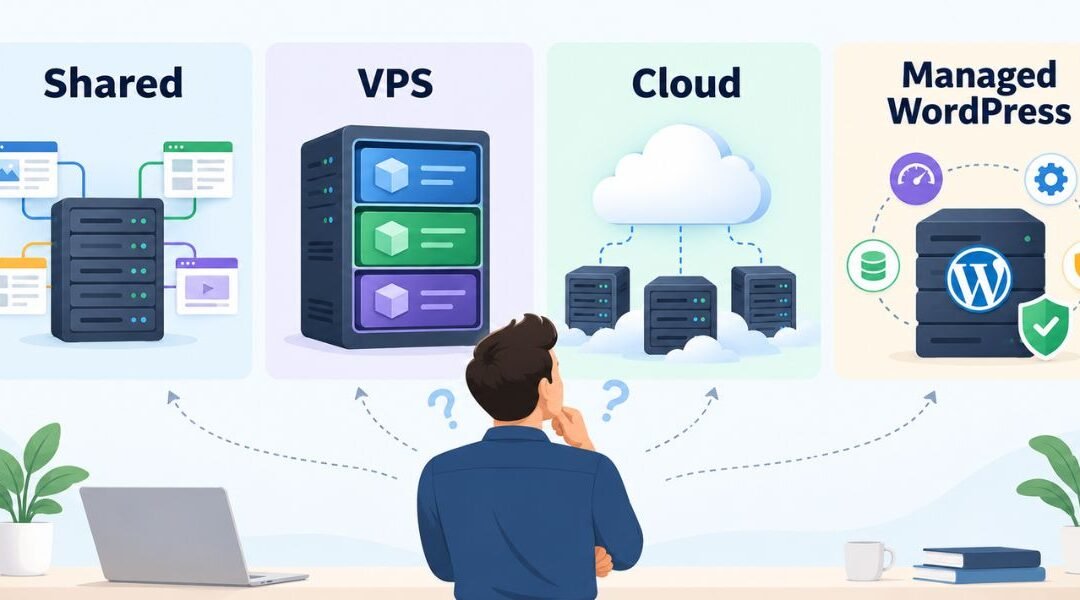
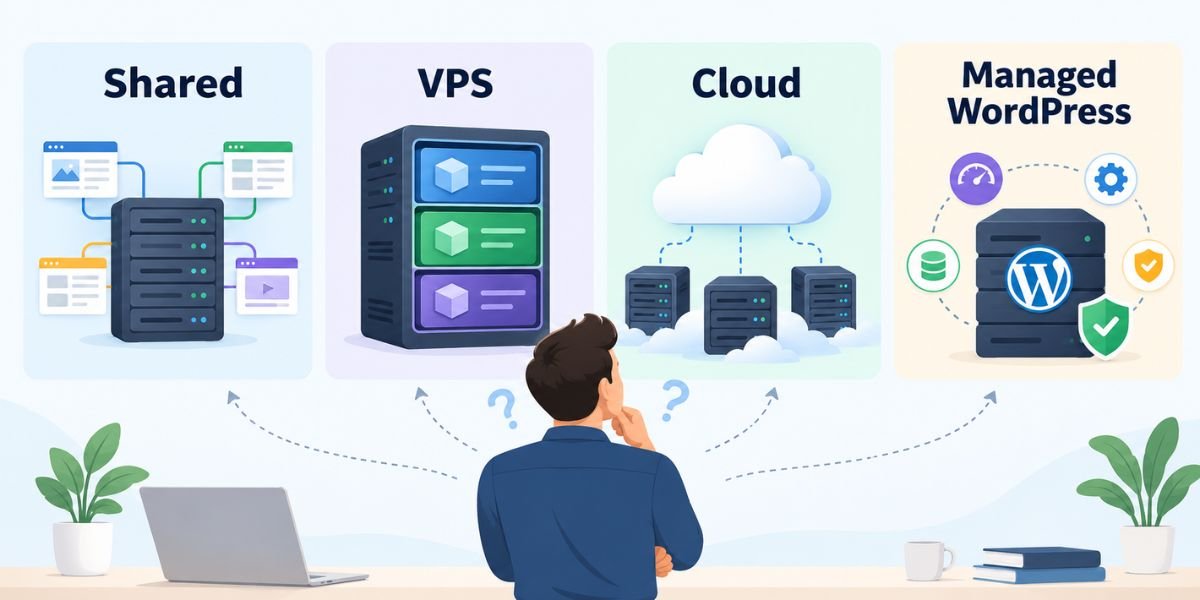
The Different Types of Web Hosting Explained
Shared hosting
Your site shares a server with many others, like renting a room in a shared flat. It's the cheapest option, and the provider handles the technical setup. The catch: if a neighbour gets a traffic spike, your site can slow down.
VPS hosting
A virtual private server gives you a guaranteed slice of a server, like your own apartment in a building. You get more power and control, but unmanaged VPS plans expect you to handle setup, updates and security yourself.
Cloud hosting
Your site runs across a network of servers, so resources can scale up when traffic jumps. It suits growing sites and online stores, and you usually pay for the resources you use.
Managed WordPress hosting
Hosting built only for WordPress, where the provider handles updates, caching, security and backups. It costs a bit more than shared hosting but saves hours of maintenance. Dedicated hosting, a whole server to yourself, also exists, but it's built for large, high-traffic sites, not beginners.
Web hosting types compared
| Hosting type | Cost | Ease of use | Performance | Best for |
|---|---|---|---|---|
| Shared | Lowest | Very easy | Basic | New and brochure sites |
| Managed WordPress | Low to medium | Very easy | Good | WordPress sites, non-technical owners |
| VPS | Medium | Technical unless managed | Strong | Growing sites, custom apps |
| Cloud | Medium | Easy if managed | Strong, scalable | Online stores, traffic spikes |
| Dedicated | Highest | Technical | Maximum | Large, high-traffic sites |
Highlighted rows show where most small businesses should start.
Shared vs VPS vs Cloud: Which Hosting Should You Buy?
Just starting out: shared hosting
A brochure site, a portfolio or a local service business with modest traffic runs happily on shared hosting. It's the right first step for most beginners. Still deciding how big your site should be? See our guide to single page vs multi page websites.
Running WordPress with no tech skills: managed WordPress hosting
If you'd rather run your business than update plugins, the small extra cost pays for itself in time saved and fewer emergencies.
Growing traffic or an online store: cloud or managed VPS
When your site takes payments or gets thousands of visitors a day, you need guaranteed resources. Choose a managed plan unless you have a developer on hand.
The upgrade path
You don't need to buy for the business you hope to have in five years. Start small and upgrade when you see the signs. Most hosts make moving up a plan easy.
Signs it's time to upgrade
- Slow-loading pages
- Warnings from your host about resource limits
- Downtime during busy periods
Best Hosting for Small Business Websites
Budget-friendly shared hosting: Hostinger
Low starting prices, a simple control panel and a one-click WordPress installer make Hostinger a common first host for beginners. A good fit for brochure sites and small portfolios.
Beginner-friendly managed hosting: SiteGround
SiteGround is known for responsive support and built-in WordPress tools like caching and daily backups. It costs more than budget hosts, but it's easier to live with if you're not technical.
Managed cloud hosting: Cloudways
Cloudways puts a managed layer on top of cloud providers such as DigitalOcean, AWS and Google Cloud, so you get cloud performance without managing servers yourself. Plans start from around $11 a month at the time of writing, which makes it a sensible next step for growing sites and online stores.
Watch out for renewal prices
Most hosts advertise a low first-term price, then renew at a much higher rate. Check the renewal price, not just the headline offer, before you commit to a long plan.
Example: A Home Bakery's Hosting Journey
A home bakery launches a five-page WordPress site on shared hosting, with a menu, about page, gallery and contact form. It's cheap and does the job.
A year later, they add online ordering. During the festive season, orders spike and checkout slows to a crawl.
They switch to managed cloud hosting, which gives them guaranteed resources and room to scale during busy weeks.
Shared hosting was the right choice at the start. Upgrading when the business needed it, not before, kept costs down in year one.
Not Sure Which Hosting to Buy?
Choosing hosting shouldn't feel like a gamble. Book a free consultation with Digital Roof. We'll recommend the right hosting for your website and budget, and can handle the setup or migration for you as part of our website development services.
Book My Free Hosting ConsultationBased in Australia? See our web design services in Sydney, Melbourne, Brisbane, Perth, Adelaide and the Gold Coast.
Frequently Asked Questions
Which type of web hosting is best for beginners?
Shared hosting or managed WordPress hosting. Both are affordable, and the provider handles the technical side so you can focus on your business.
Do I need VPS hosting for a small business website?
Usually not at the start. Most small business sites run well on shared or managed hosting. Consider VPS or cloud hosting when traffic grows or you run an online store.
Is free hosting okay for a business website?
Not really. Free hosting often comes with ads, limited storage, no custom domain or little support, all of which hurt your credibility with customers.
Can I switch or upgrade my hosting later?
Yes. Upgrading within the same host is usually a few clicks, and many hosts offer free migration when you move to them.
Does web hosting affect SEO?
Indirectly, yes. Slow loading and frequent downtime hurt user experience, and Google considers page experience. A reliable host gives your SEO work a solid foundation.
Keep Reading
Ajay Hooda is the co-founder of Digital Roof, a founder-led digital marketing studio specializing in SEO, website development and content. He holds a PG Diploma in Digital Marketing and Communication from MICA, is Google-certified, and has worked with small businesses and international clients since 2019.